
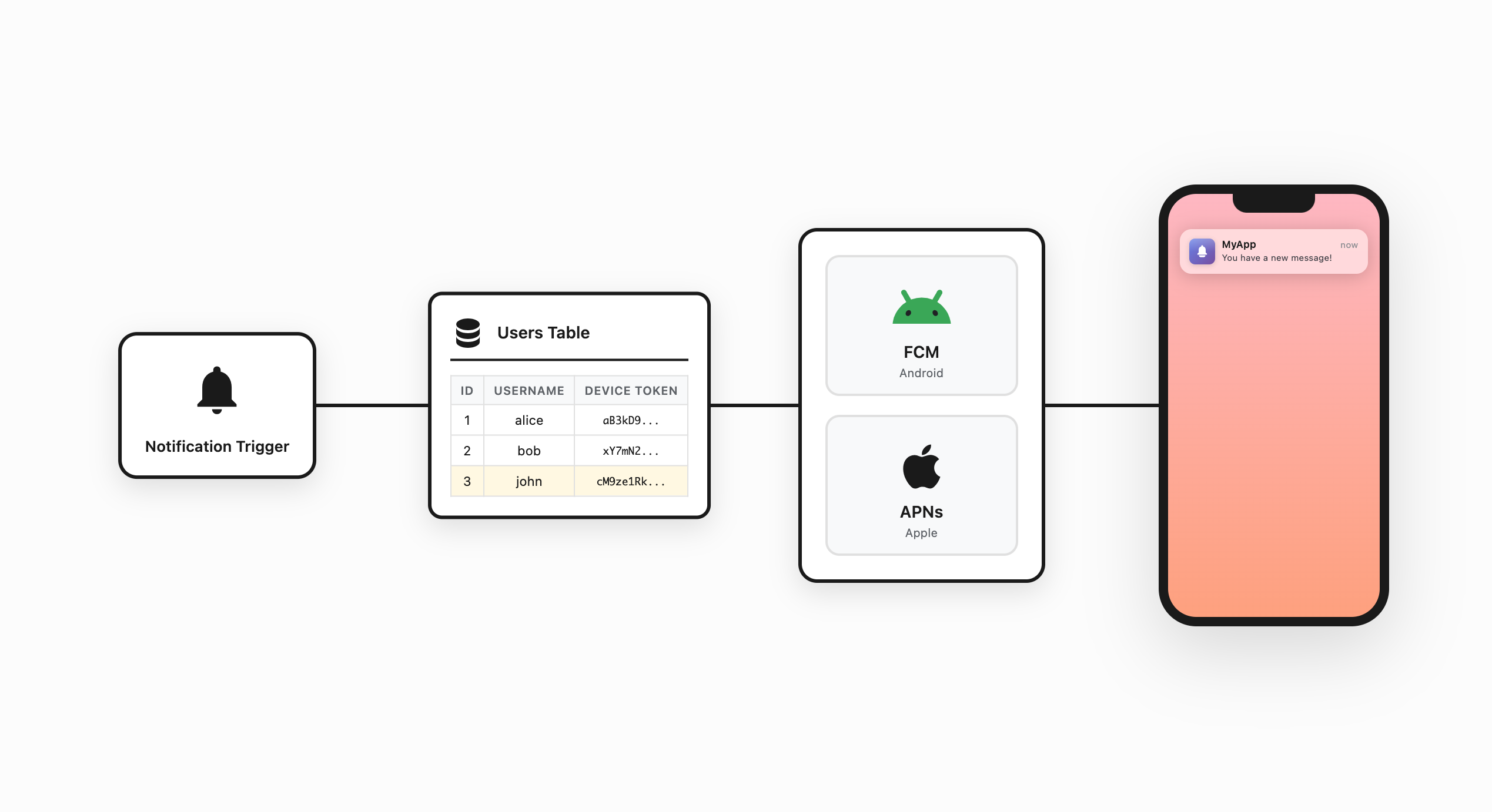
Sending a push notification is a lot like sending an email. To send an email, you need an email address. To send a push notification, you need something similar: a device token.
What Is a Device Token?
A device token is a unique identifier for your app on a specific device. It doesn’t identify the phone or the user. It identifies that one app on that one device.
The app can’t create the token itself, and neither can the developer. The app has to request it from the platform. FCM (Firebase Cloud Messaging) issues the token on Android, and APNS (Apple Push Notification service) issues it on iOS.
How the Token Gets to Your Server
Once the app has a token, it sends it to your server to be stored in the database and associated with the user. This is the registration step. Without it, there’s no way to know which device belongs to which user.
When a notification needs to go out, the server finds the token for that user and hands it off to FCM or APNS. Those services take it from there. They’re the only way to reach a device with a push notification.
What Happens When the App Is Uninstalled?
The token becomes invalid. FCM and APNS will stop delivering to it.
When the user reinstalls the app, the platform generates a new token. The app sends it to the server, and the old one gets replaced.
The Four Pieces
Every push notification involves four things working together:
- The App requests the token and registers it with your server
- The Server stores the token and decides when to send notifications
- FCM and APNS are the delivery layer; nothing reaches the device without going through them
- The Device receives and displays the notification
If you’re adding push notifications to a Supabase app, Entrig handles the token management and delivery side automatically. See Push Notifications for Supabase for the full comparison, with guides for Flutter, React Native, Expo, Capacitor, iOS, and Android.