

Configure FCM
Firebase Cloud Messaging (FCM) is required to send push notifications to Android devices. To enable Android delivery, Entrig needs your Firebase service account key and your app’s package name.
What you’ll need
- A Firebase project with FCM enabled
- Your Firebase service account key (a JSON file) — found in Firebase Console under Project Settings > Service accounts > Generate new private key
- Your Android app’s package name (e.g.
com.example.myapp)
Connect
-
Upload your service account key
In the Entrig dashboard, upload the service account JSON file from your Firebase project.
-
Enter your Application ID
Enter your Android app’s package name.
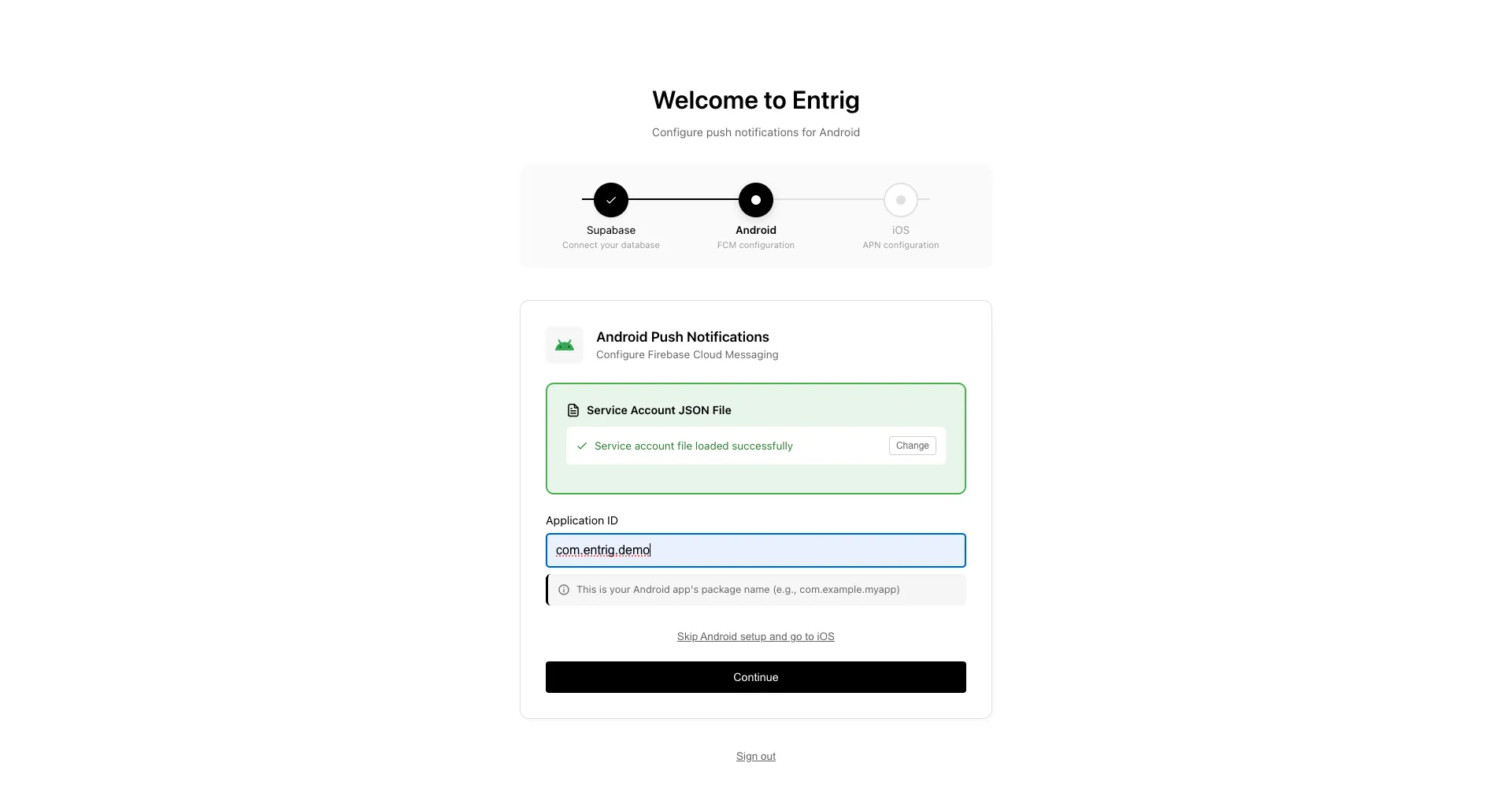
Click Continue to proceed to Set Up iOS (APNs).